

You've probably run a technical SEO audit. Maybe you hired someone offering technical SEO services, or you used a tool that spat out a 100-item checklist. Either way, you're now staring at a spreadsheet full of red flags, wondering where to start.
To be honest, most of those recommendations won't move the needle. A handful will. The rest are noise.
This article goes through seven fixes that are chosen because they deliver measurable results quickly. They're not theoretical best practices.
This is the fastest fix with potentially the biggest impact. Noindex tags tell search engines not to show a page in results. They're useful during development but catastrophic when left on live pages by accident.
It happens more often than you'd think. A developer sets up a staging site with noindex tags to prevent duplicate content issues. The site goes live. The tags stay. Months pass. Your perfectly optimised product page gets zero traffic because Google can't see it.
One ecommerce business discovered this during a site redesign. Accidental noindex tags resulted in a traffic drop that took nearly 6 weeks to recover once the tags were removed and pages were indexed correctly. Six weeks of lost revenue because of a checkbox nobody noticed.
Internal links should point directly to the final canonical URL. Not through redirects. Not to alternate versions. Directly.
When you link to a URL that redirects, you're forcing search engines to make multiple hops. This wastes crawl budget, which is essentially how many pages Google bothers to check on your site. It also dilutes link equity and slows indexing.
Here's a practical example: you link to 'example.com/page' in your navigation. But the canonical URL is 'example.com/page/' with a trailing slash. Every internal link now triggers a redirect. Multiply that across hundreds of pages and you've created a significant drag on crawl efficiency.
Duplicate content issues arise when you don't specify canonical URLs properly. Google sees multiple versions of the same page and has to guess which one matters. You don't want Google guessing.
Shopify automatically creates multiple URLs for the same product. You get collection-based URLs like '/collections/shoes/products/running-shoe' and direct product URLs like '/products/running-shoe'. Both work. Both show the same content.
The problem is your internal navigation often links to the collection-based URL, whilst the canonical tag points to the direct product URL. This creates unnecessary redirects on every product click.
The fix is straightforward. Update your internal links in navigation and content to point directly to the canonical product URL. One business fixed internal links in Shopify to point to canonical URLs and saw a significant increase in indexed pages and a boost in organic traffic.
If you're running Shopify and need help auditing your internal link structure, Seogrowth's services include detailed technical audits that identify these exact issues.
If your site is built with React, Vue, or Angular, there's a good chance search engines aren't seeing your content properly. JavaScript-heavy sites often load content after the initial page load. Search engine crawlers see an empty shell.
Dynamic rendering solves this. It serves a pre-rendered HTML version to search engines whilst users get the full JavaScript experience. It's a bridge solution for sites that can't implement full server-side rendering.
This isn't a theoretical problem. One business using a JavaScript single-page application implemented dynamic rendering and saw a 35% increase in indexed URLs and a 23% increase in organic traffic within two weeks.
Most WordPress or standard CMS sites don't need dynamic rendering. If your content is visible in the page source, you're fine.
Here's a simple test: right-click on your page, select "View Page Source", and look for your main content in the HTML. If you can see it there, search engines can too. You don't need this fix.
Dynamic rendering is primarily for single-page applications or sites where content loads entirely via JavaScript after the initial page load. Don't implement it unnecessarily. It adds complexity without benefit for traditional sites.
Hreflang tags tell Google which language or region version of a page to show to which users. Without them, Australian users might see your UK site, or vice versa. Poor user experience. Lost conversions.
Different regional pages can also cannibalise each other's rankings. Google doesn't know which version to show, so it picks one. Often the wrong one.
This only matters if you have multiple countries or language versions of your site. If you're operating in one market, skip this entirely.
One ecommerce site with market-specific subfolders implemented hreflang tags and increased organic traffic by 25%. The fix didn't change the content. It just made sure the right content reached the right audience.
Use subfolders. Structure your site as 'example.com/au/' for Australia and 'example.com/uk/' for the UK. This consolidates domain authority under one root domain.
Subdomains like 'au.example.com' are treated more like separate sites. You're building authority from scratch for each subdomain. That's harder and slower.
Use subfolders unless you have a strong technical reason for subdomains. Most businesses don't.
Your URLs should reflect what users are searching for, not how your internal departments are organised.
Consider '/services/residential/plumbing-repairs' versus '/emergency-plumber-sydney'. The first makes sense to your operations team. The second matches what people actually type into Google.
A simple, logical site structure matters. Pages should be reachable in three to four clicks from the homepage. This improves accessibility for both users and search engines.
Don't change URLs lightly. This requires proper 301 redirects and planning. But when done correctly, the impact is significant.

Core Web Vitals remain key ranking factors. They measure user experience through three metrics: Largest Contentful Paint (LCP), First Input Delay (FID), and Cumulative Layout Shift (CLS).
Focus on LCP and CLS. These are where most sites fail and where you'll see the biggest ranking impact.
LCP measures how quickly the largest content element loads. Faster sites convert at higher rates, with a goal of loading pages in 2.5 seconds or less. Improving server response time and using a CDN can enhance LCP scores significantly.
CLS measures visual stability. If elements shift around as the page loads, that's a poor user experience and a ranking penalty. Reserve space for images and ads so they don't push content around when they load.
FID measures how quickly a page responds to user interaction. Its replacement, Interaction to Next Paint (INP), does something similar.
Most sites pass these metrics easily unless they have serious JavaScript issues. The threshold is generous. Unless you're running heavy scripts that block the main thread, you're probably fine.
Focus your energy on LCP and CLS first. These are where most sites fail. Fix these, then worry about interactivity if you still have issues.

Structured data helps search engines understand your content. For ecommerce sites, product schema is the most valuable type. It enables rich snippets: star ratings, pricing, availability, and product images directly in search results.
Rich snippets make your listing stand out. They build trust. They increase click-through rates without improving your ranking position.
Schema markup helps search engines understand and display page content accurately, which directly impacts visibility and click behaviour.
Don’t try to implement all seven fixes at once. That defeats the purpose of a focused technical SEO approach.
Start with the two fixes that matter most for your site. If you’re on Shopify, clean up your canonical URLs. If you operate across multiple regions, implement hreflang. If you’re unsure what’s holding performance back, check for noindex tags first.
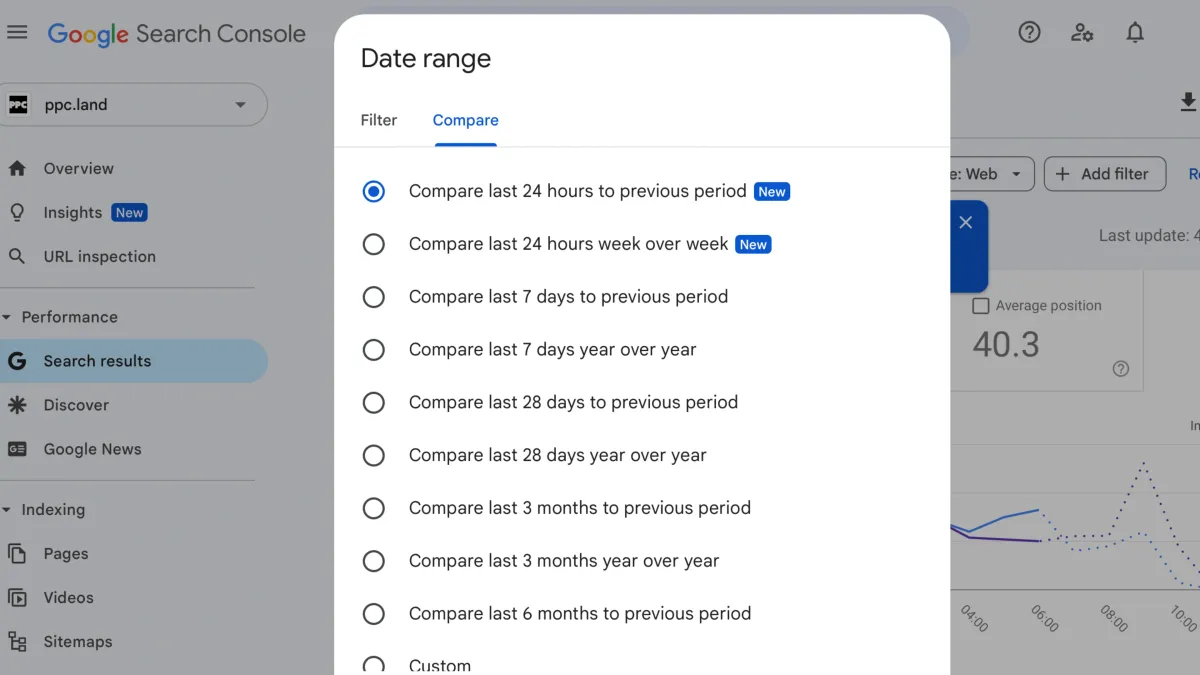
Tools like Google Search Console can highlight issues, but knowing which fixes will actually drive results is where most businesses get stuck. This is where experienced technical SEO services add real value by separating impact from noise.
Implementing just two of these fixes properly will outperform a 50-item checklist that never gets finished. Fix them, measure the impact, then move on to the next two.
If you want expert help prioritising and implementing technical SEO services that genuinely move the needle, SEO Growth specialises in high-impact technical SEO audits and fixes. Get in touch to find out which improvements will deliver the fastest returns for your site.
‍
We value your privacy
We use cookies to enhance your browsing experience, serve content, and analyse our traffic. By clicking "Accept All," you consent to our use of cookies. Cookie Policy