

You know your website isn't performing as well as it should. Pages that should rank don't. Traffic feels flat. But the thought of a full SEO audit, 50 pages of technical jargon you'll never action, makes you want to close the tab. This isn't that. This is a 30-minute checklist that finds the problems you can actually fix today. No developer required. No expensive tools. Just you, your website, and half an hour.
You need three things. Not ten. Three.
First: access to your website CMS. WordPress, Shopify, Squarespace, whatever you're using. If you can log in and edit a page, you're good. Spend 30 seconds now confirming you can access the backend and edit a page title. If you can't, stop here and get that access sorted first.
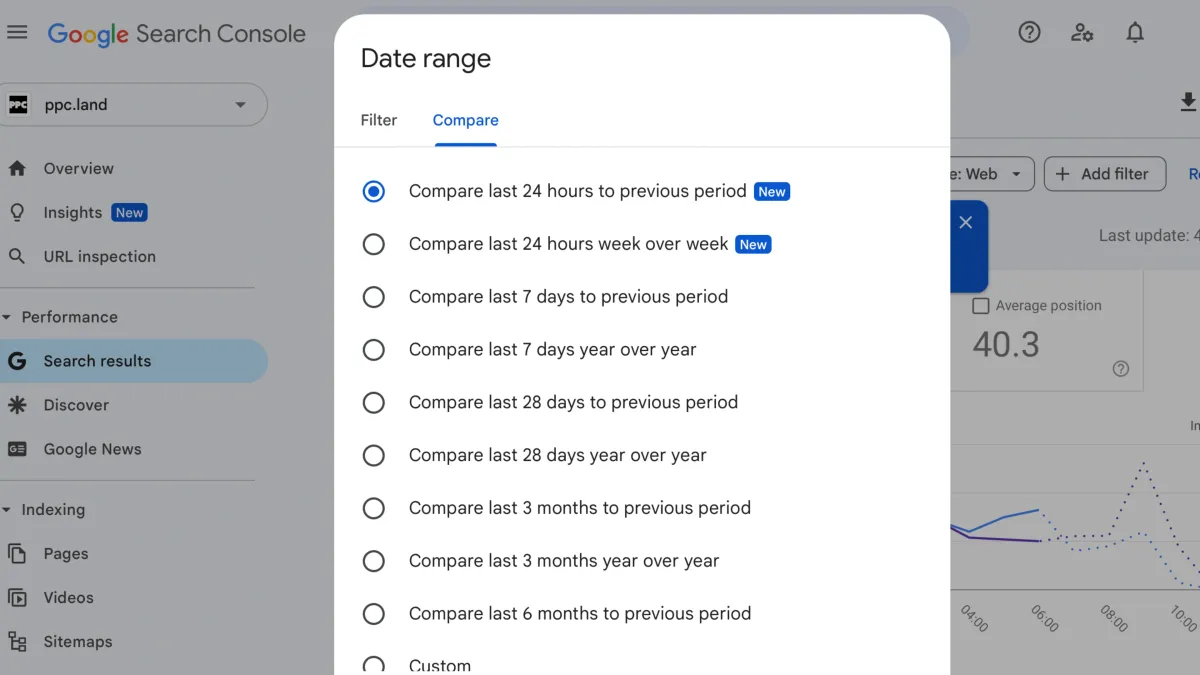
Second: Google Search Console. It's free. Setting up Google Search Console is essential for understanding how Google sees your site. If you haven't set it up yet, do that before running this audit. It takes five minutes, and you'll need it for future checks anyway.
Third: a spreadsheet or notepad. You're documenting issues, not fixing them yet. Keep it simple. A Google Sheet with three columns, such as page, issue, and priority, is enough.

Title tags and meta descriptions are what people see in Google search results. They're also the easiest, highest-impact elements you can fix. If your title tag is weak, generic, or missing, you're losing clicks to competitors who got this right.
Start your timer now. You're checking three pages only. Not your entire site. Three.
Four red flags matter here:
Missing title tags. If Google has to guess what your page is about, you've already lost.
Titles over 60 characters. Google cuts them off. Your carefully crafted message gets truncated to "Emergency Plumber Sydney | 24/7 Service | ABC Plumb..."
Duplicate titles across pages. If five pages have the same title, Google doesn't know which one to rank.
Titles that don't include your main keyword. If you're a plumber in Sydney and your homepage title is "Welcome to Our Website," you're making Google work too hard.
Here's what good looks like. Bad title: "Home | ABC Plumbing." Good title: "Emergency Plumber Sydney | 24/7 Service | ABC Plumbing." The difference is specificity and keyword placement.
Where to fix this: In WordPress, it's in the page editor under SEO settings (if you're using Yoast or Rank Math). In Shopify, it's under Online Store > Pages > Edit SEO. In Squarespace, it's in Page Settings > SEO. Find it, change it, save it. Move on.
Check these three pages only: your homepage, your best-selling product or service page, and your most-visited blog post. Find that last one in Google Analytics under Behaviour > Site Content > All Pages.
Fixing three high-traffic pages beats perfectly optimising 20 pages no one visits. This is about leverage, not completeness.
Don't fix anything yet. Just note the issues in your spreadsheet. You're still in documentation mode. The fixes come later.
Google penalises thin and duplicate content. Both are easy to spot if you know where to look. You're not reading every word on your site. You're looking for patterns.
Thin content is a page with almost nothing on it. Under 300 words. More navigation than actual text. A "coming soon" placeholder you forgot about. These pages don't help users, so Google doesn't rank them.
Quick test: copy the page content (not the header, footer, or sidebar) into a Word doc and check the word count. Or highlight all the text on the page and see how much is actually there. If it feels sparse, it probably is.
You have three options for thin pages. Expand them with genuinely useful content. Merge them with a related page that covers the same topic. Or delete them and set up a 301 redirect to a better page. Don't leave them sitting there doing nothing.
This isn't about hitting arbitrary word counts. It's about whether the page answers a real question someone typed into Google. If it doesn't, fix it or remove it.
Copy the first sentence of a page. Put it in quotes in Google. If multiple pages from your site appear in the results, you've got duplicate content.
Common culprits: product pages with identical descriptions copied from the manufacturer. Location pages with templated content where only the city name changes. Blog category pages that just list posts without unique introductions.
The fix: add unique content to each page. Even two or three sentences that differentiate it from the others. If pages must stay similar (like product variants), use canonical tags to tell Google which version is the main one. Your CMS probably has a field for this.
Regular website reviews catch these issues before they hurt your rankings. Make this check part of your quarterly maintenance routine.

"Technical SEO" sounds intimidating, but these three recommended checks make this part of the audit into something simple and digestible for everyone. If you can edit a page in your CMS, you can do these.
Alt text is the text that describes images to search engines and screen readers. It matters for rankings and accessibility. Most websites have dozens of images with empty alt text fields because no one remembered to fill them in.
How to check: right-click an image on your site and select "Inspect" (or "Inspect Element"). Look for the alt attribute in the code. If it's empty or says something useless like "IMG_1234," you've got work to do.
The formula: describe what's in the image in 5-10 words. Include relevant keywords naturally. "Plumber fixing kitchen sink in Sydney home" is better than "plumber" and infinitely better than nothing.
Fix the alt text on the same three priority pages you checked earlier. Don't audit every image on your site. That's not the point of this exercise.
Internal links help Google understand which pages matter most. They also help visitors find related content without leaving your site.
Quick action: find 2-3 places on your high-traffic pages where you mention other services or products. Link to those pages using descriptive anchor text. Change "click here" to "our emergency plumbing services" when linking to that service page. Change "read more" to "how to choose the right accountant."
This takes two minutes per page. It's not complicated. Just make the links helpful.
Most of your traffic is mobile. If your site doesn't work on a phone, you're losing visitors and rankings.
One-tool test: Google's Mobile-Friendly Test. Paste your URL, get instant results. If it fails, you'll see exactly what's wrong.
Also just pull out your phone and check. Is the text readable without zooming? Are buttons tappable without fat-fingering three other links? Do forms work without making you want to throw your phone across the room?
The most common issue is that the text is too small to read or too zoomed in. This is usually a theme setting you can change in your CMS under Appearance or Design settings. Look for "mobile typography" or "responsive text size."
If you're running regular website reviews, mobile checks should happen every few months. Technology changes. What worked last year might not work now.

You've got a list of issues. That's success, not more work. Most business owners don't even know what's broken. You do.
Priority framework: fix title tags and meta descriptions first. Highest impact, easiest to change. Then alt text. Then content issues. Don't try to fix everything at once. Block out three 30-minute sessions this week and tackle the top three issues you found.
When should you consider a full agency audit? If you found more than ten issues. If technical problems appear that you don't understand. If you want to scale beyond quick wins and need a proper strategy. That's when specialists like Seo Growth become worth the investment.
This audit was meant to be the start of action, not another report that sits unused. You've got the list. Now fix it. If you need expert guidance implementing these strategies or want a comprehensive SEO plan, contact Seo Growth for a consultation.
We value your privacy
We use cookies to enhance your browsing experience, serve content, and analyse our traffic. By clicking "Accept All," you consent to our use of cookies. Cookie Policy